Picture to dots — dot art right inside your hero grid
Upload art, a photo or a frame — the site draws it with dots inside your hero grid, lays the heroes out around it and builds a file that goes straight into the game. What you see on the field is what Dota shows.
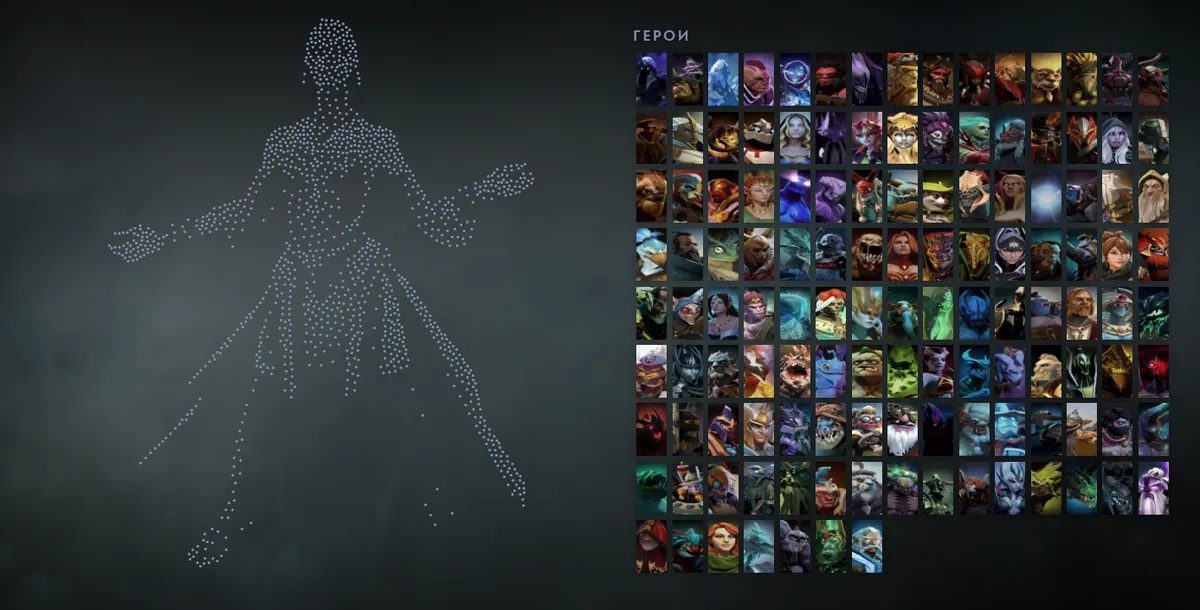
Before → after
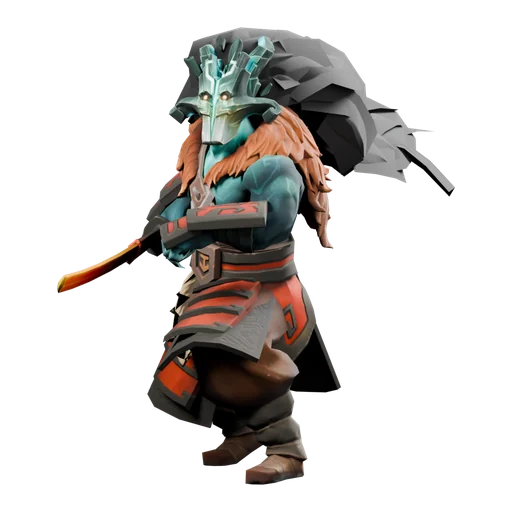
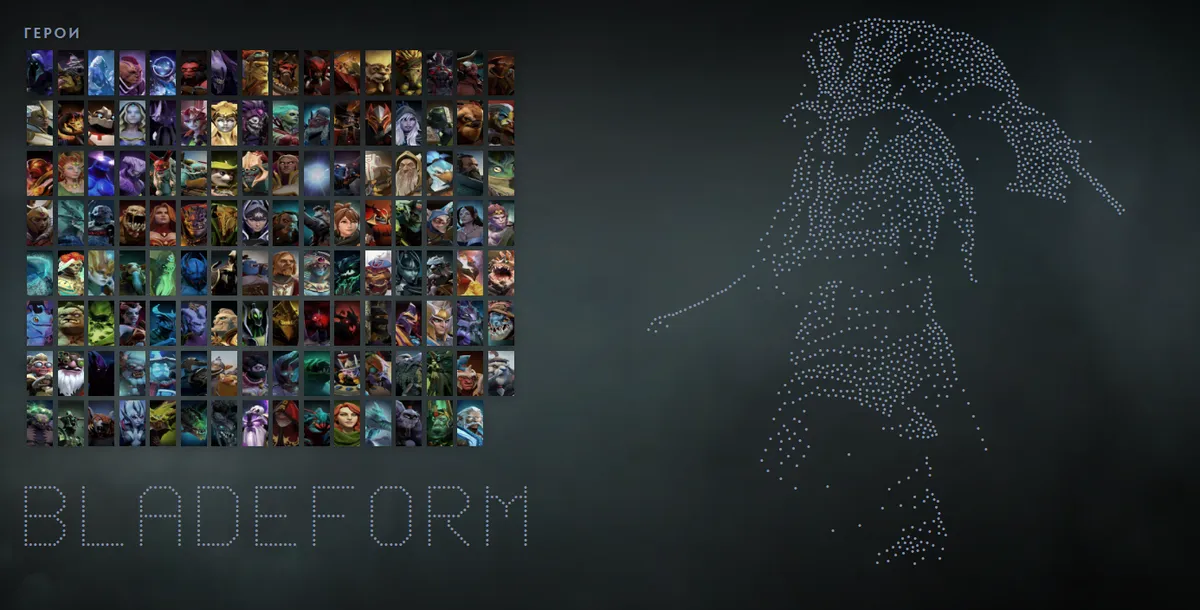
On the left is the source picture, on the right the same figure inside a hero grid. Dots sit denser where the picture is lit and sparser in shadow, so the mask, the cape and the blade read clearly instead of turning into a blob.
How it works
- Open the editor with a picture and drop in a file — PNG, JPG or WebP up to 10 MB. It is processed in your browser and never uploaded.
- The site removes the background — by the picture edge, or with a neural network that also runs on your computer — and computes several drawing variants.
- Hover a variant to try it on the field. Each one shows how many of the 4000 places it takes and how many more would fit.
- Place the drawing, move it and touch it up: the eraser removes stray dots, the brush adds new ones. Undo is Ctrl+Z.
- Download the grid and put the file into the game.
Which pictures work best
Anything with a readable silhouette: a character on a plain background, anime art with clean lines, a close-up portrait, a logo. A busy scene with a dozen figures turns into noise — crop it down to one character first.
If the character is full-length but the face matters, crop the picture to the shoulders so the face gets bigger. Brighten dark art on a dark background first: dots follow the light.
For Dota heroes in arcanas and personas you don't need a picture at all — the editor's “Main in a skin” has ready drawings of 30 skins.
Why it looks the same in the game
Every dot of the drawing is a grid category with a dot or another character in its name. The site draws the field with the same font and sizes as the game, so the editor shows exactly what appears on the Heroes tab and on the pick screen. There is no colour in a hero grid: the game prints every character in white, so the picture reads through silhouette and shading. The game reads grids from one file, hero_grid_config.json: press “Download grid” in the editor and, with Dota closed, put the file into Steam → userdata → account number → 570 → remote → cfg. Full walkthrough — how to install a hero grid.
Questions and answers
Will the game lag?
The site won't let a grid go over 4000 places. In an in-game test, a grid with 5000 dots opened in under a second.
The dots landed on the background, not the character
Switch the background removal: “By edge” removes everything the colour of the frame edge, the neural network separates the figure from a busy background. Wipe leftovers with the eraser.
Can I put two pictures into one grid?
Yes, if there are enough places. The economy variant packs several characters into one category and takes several times fewer places.