Dota 2 hero grid by position 1–5
Five rows — carry, mid, offlane, soft support and hard support. Each holds the 18 heroes picked most often in that role, plus room for a couple of your own. In the draft you look at your row instead of searching the whole list.
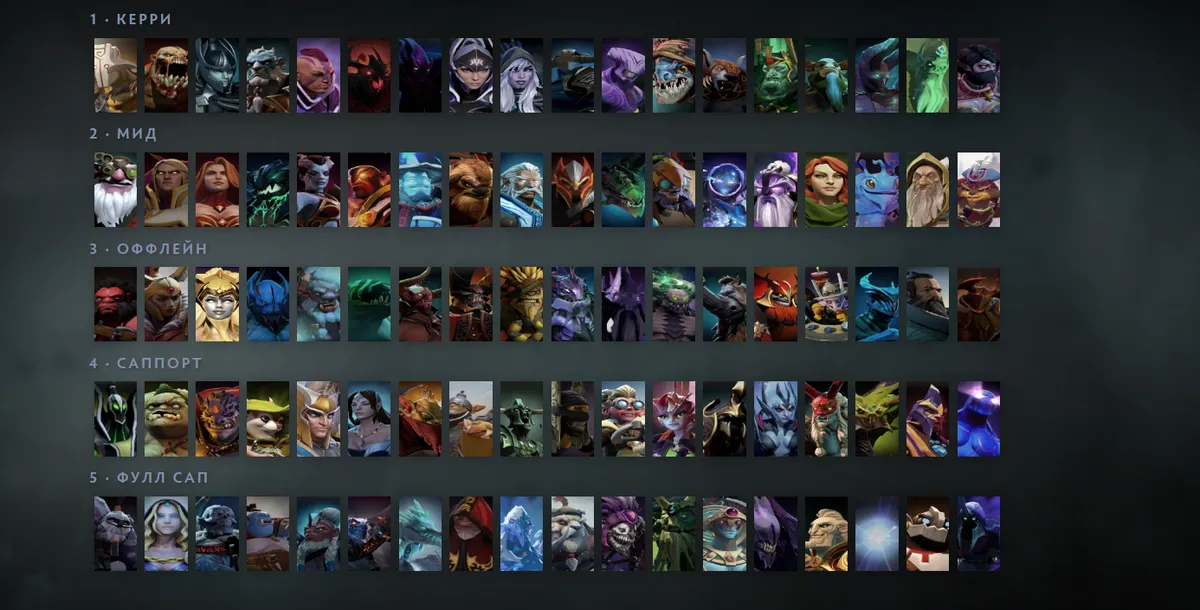
What positions 1–5 mean
- 1 · Carry — the team's main farmer on the safe lane: weak early, decides the late game. In the grid: Juggernaut, Lifestealer, Phantom Assassin, Anti-Mage, Shadow Fiend and more.
- 2 · Mid — the solo middle lane: tempo, runes, early kills. Sniper, Invoker, Lina, Queen of Pain, Storm Spirit.
- 3 · Offlane — the hard lane, initiation and durability. Axe, Legion Commander, Dawnbreaker, Centaur Warrunner, Bristleback.
- 4 · Soft support — the roamer: control, lane ganks, ward hunting. Rubick, Pudge, Lion, Hoodwink, Mirana.
- 5 · Hard support — gives up farm, places wards, lanes with the carry. Witch Doctor, Crystal Maiden, Lich, Ogre Magi, Disruptor.
Each row holds the 18 most-played heroes for that position according to OpenDota. Remove the ones you never pick and put your own in the free slots — the portraits don't shrink.
Keeping it fresh for the patch
The layout is not tied to one patch. Open the grid in the editor and use Auto-pick: “Pick by stats” refills the rows from fresh OpenDota data. Choose a rank and which heroes to take — Meta (win and get picked often), Wins or Popular — and tick the option not to repeat a hero across categories.
You can keep several grids in the game and switch between them in the “Sort:” list: this one for ranked, a pretty dot-art one for clips.
Other practical layouts
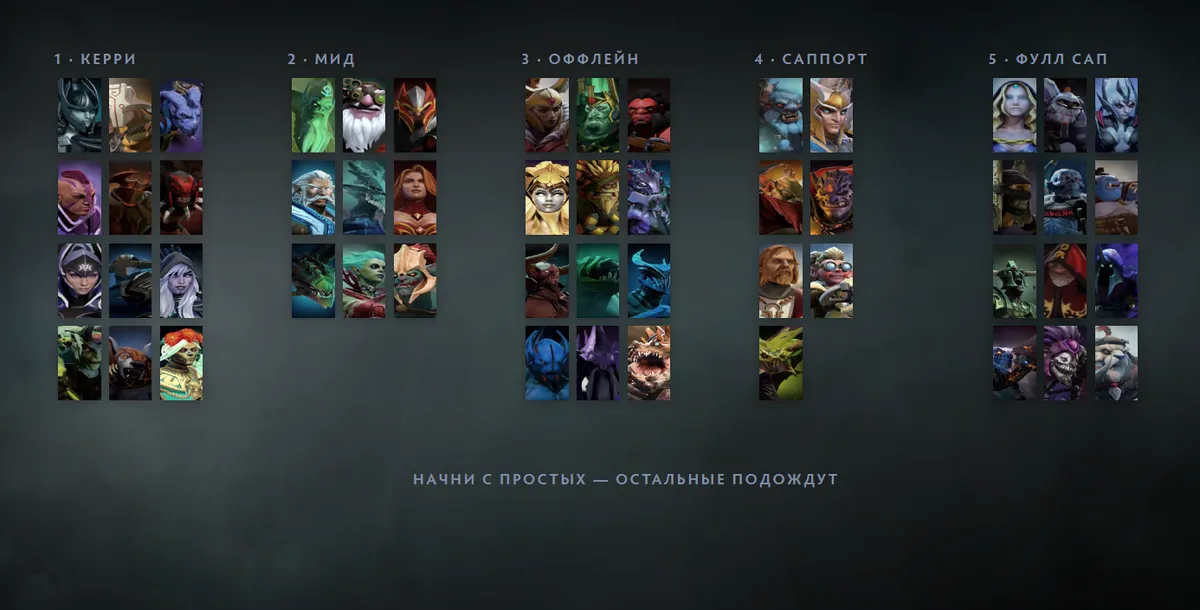
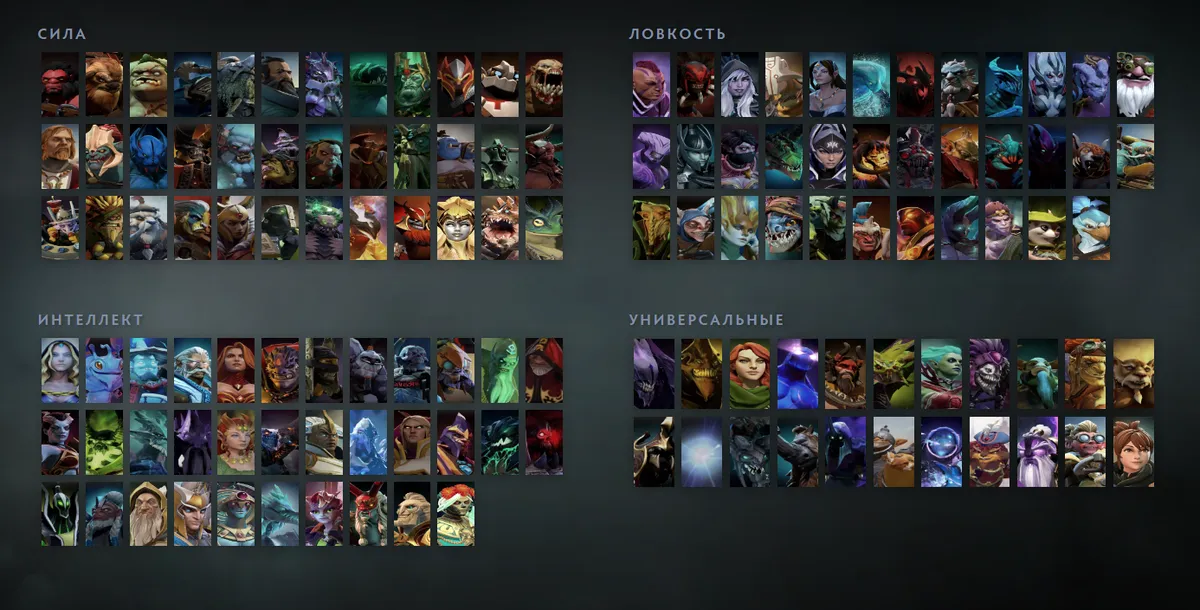
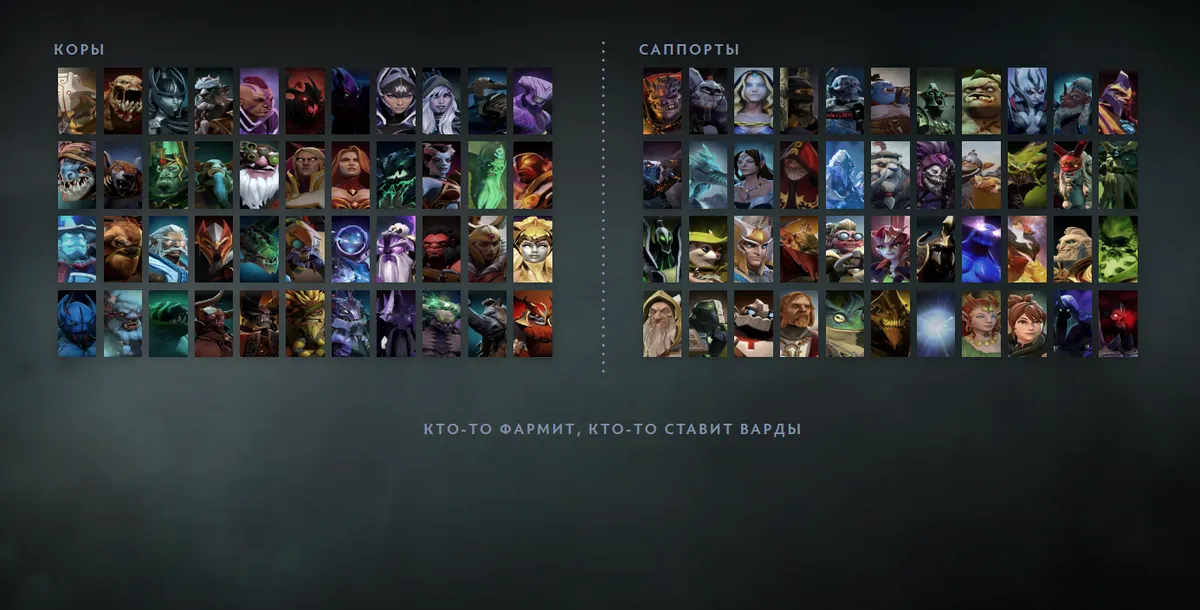
All of them are on the templates page. If there is room left on the field, add a big nickname or a small dot drawing — see picture to dots. Your old grids stay if, in the “Your grid is ready” window, you press “Load my file” and pick your current hero_grid_config.json: the downloaded file is your file as it was plus the new grid.